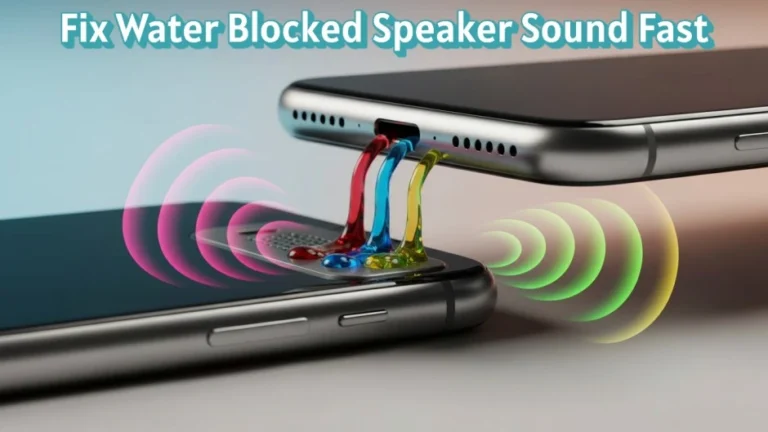
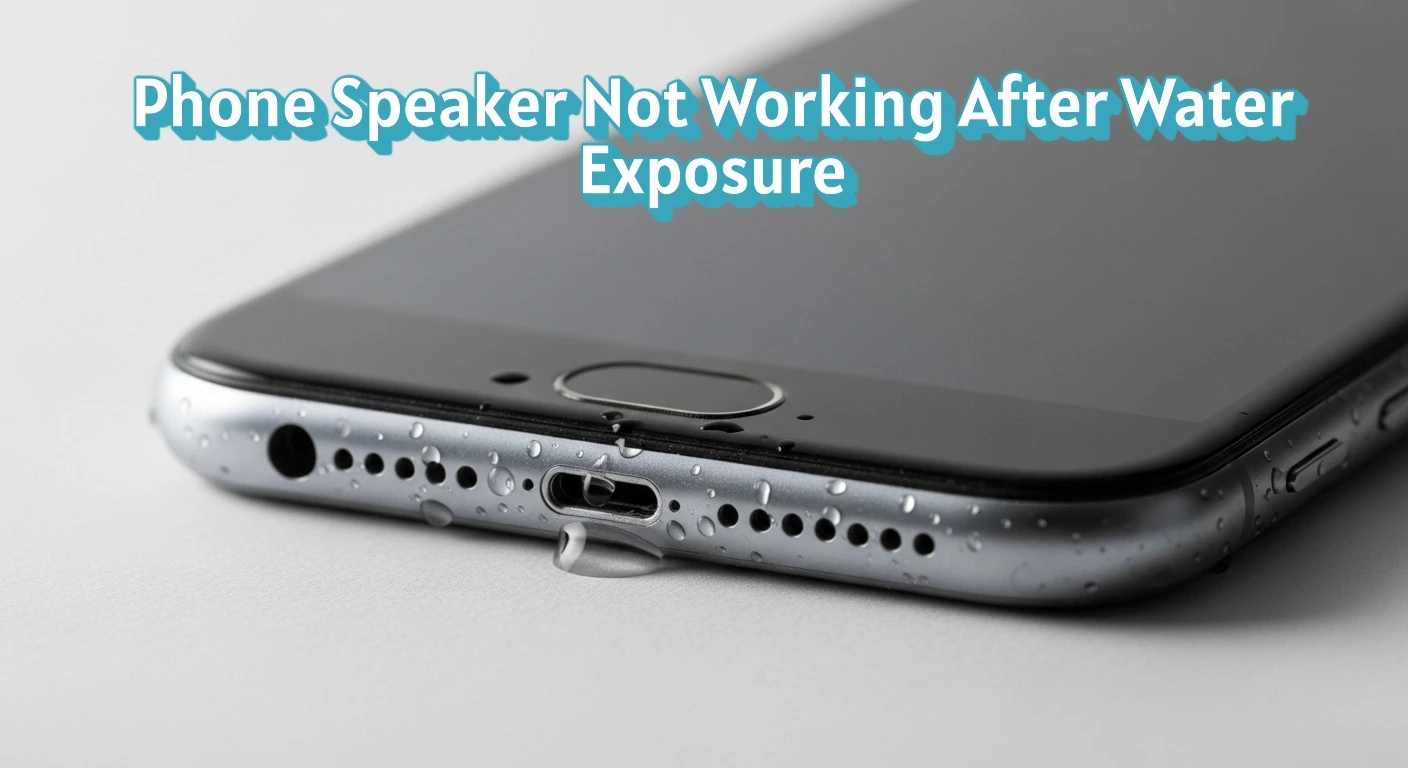
When a phone falls into water, speaker issues are one of the first problems users notice. Sound may become low, distorted, or stop completely due to trapped moisture or internal disruption.
Water interferes with the speaker diaphragm, which needs dry air to vibrate correctly. When moisture stays trapped, sound becomes muffled, distorted, or completely silent.
The impact depends on water amount, exposure time, and liquid type, such as fresh water or salt water. Fast action improves recovery, while delay increases internal damage risk.
🧪 How Can You Tell If Water Is Still Trapped Inside the Speaker?
You can tell water is still trapped inside the speaker if sound remains uneven or delayed during playback. Lingering moisture prevents normal airflow and vibration.
Common signs include volume changes during calls, brief crackling sounds, or audio improving only after warm airflow exposure. These symptoms indicate incomplete drying inside the speaker chamber.
💧 How Does Water Affect Phone Speakers?
Water affects phone speakers by blocking airflow and interrupting sound vibration inside the speaker chamber. Speakers rely on dry air movement to produce clear sound.
When liquid enters the speaker grill, it coats the speaker diaphragm and internal mesh. This reduces vibration strength and lowers sound output.
Moisture can also disrupt electrical contacts, causing signal loss or unstable audio. Over time, trapped water leads to corrosion, which increases the risk of permanent speaker failure.
⚠️ What Are the Common Signs of Water-Damaged Phone Speakers?
Water-damaged phone speakers show clear audio changes soon after exposure. These signs appear because moisture blocks sound flow or disrupts internal signals.
Common symptoms include muffled sound, very low volume, no sound output, crackling noise, and sound cutting in and out. Each symptom points to trapped moisture or early corrosion.
Some phones also delay sound playback after unlocking or during calls. This behavior often indicates moisture detection or unstable speaker contact.
🧠 Can Water Permanently Damage Phone Speakers?
Yes, water can permanently damage phone speakers if moisture stays inside for too long. Permanent damage occurs when corrosion forms on speaker coils or electrical contacts.
Short exposure to clean water may cause temporary sound loss that improves after proper drying. Long exposure, salt water, or sugary liquids increase failure risk.
Damage severity depends on drying speed, liquid type, and internal sealing. Fast moisture removal limits damage, while delayed action often leads to irreversible speaker failure.
🔍 Why Does My Phone Speaker Sound Low or Distorted After Water Exposure?
Your phone speaker sounds low or distorted after water exposure because moisture weakens diaphragm movement and blocks sound paths. Clear sound needs free vibration and open airflow.
Water leaves residue on the speaker mesh and diaphragm, which reduces vibration range. This causes low volume, buzzing, or uneven sound output.
Trapped moisture also changes internal pressure inside the speaker chamber. Until the area dries fully, sound clarity and loudness remain affected.
📴 Can Water Trigger Software or Safety Shutdowns in Speakers?
Yes, water can trigger software or safety shutdowns that mute phone speakers. Modern smartphones use moisture sensors to reduce short-circuit risk.
When liquid is detected near audio components, the system may disable speaker output, lower volume, or block sound during calls and media playback. This behavior protects internal circuits from damage.
Speaker function usually returns after moisture levels drop. If sound stays disabled, internal moisture or corrosion may still be present.
🛠️ What Should You Do Immediately After Dropping Your Phone in Water?
You should act fast to limit speaker damage after water exposure. Immediate action reduces moisture spread and protects internal components.
The first steps include powering off the phone, removing the case and accessories, and keeping the speaker facing downward. These actions stop electrical flow and help water drain out.
Do not press buttons during this stage. Let gravity remove surface moisture before any further handling or drying process.
🚫 What Mistakes Make Speaker Damage Worse?
Certain actions increase speaker damage after water exposure. These mistakes force moisture deeper into internal components.
Common mistakes include using heat sources, charging the phone while wet, shaking the device, and pressing speaker grills. Heat warps components, while charging causes short circuits.
Playing loud audio too early can also spread moisture inside the speaker chamber. Waiting until the phone is fully dry reduces long term damage risk.
🔊 Can Sound Vibration Help Remove Water From Speakers?
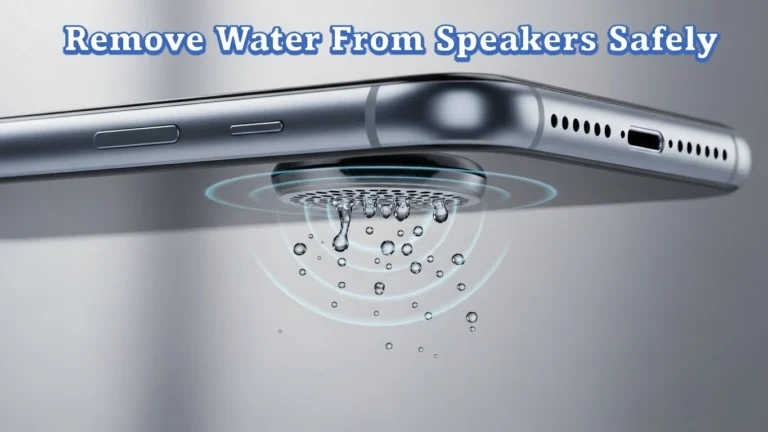
Yes, sound vibration can help remove water from phone speakers by pushing trapped moisture outward. Low-frequency sound creates air movement that forces water droplets through the speaker grill.
This method works best when water is fresh, exposure is short, and no internal corrosion exists. Controlled vibration tools like https://fixmyspeakerr.in/ are designed to generate sound frequencies that help expel trapped moisture from speaker openings.
Sound vibration should be used only after powering off and draining surface water. It supports drying but does not replace proper moisture removal steps.
🧪 Does Water Type Affect Speaker Damage Severity?
Yes, the type of water affects how severely phone speakers are damaged. Different liquids leave different residues and react differently with internal parts.
Fresh water often causes temporary issues if removed quickly. Salt water increases damage risk because salt accelerates corrosion. Sugary or dirty liquids leave sticky residue that blocks vibration and airflow.
Liquids with minerals or chemicals damage speaker components faster. Faster cleaning and drying reduce long term speaker failure risk.
📱 Are Water-Resistant Phones Immune to Speaker Damage?
No, water-resistant phones are not immune to speaker damage. Water resistance only limits water entry under controlled conditions.
Ratings like IP67 and IP68 apply to fresh water, limited depth, and short exposure. Real use involves pressure changes, worn seals, and contaminated liquids, which reduce protection.
Speakers remain exposed through sound grills. Water can still enter these openings, causing muffled sound or temporary speaker failure even in water-resistant devices.
🔧 When Is Professional Repair Necessary for Speaker Issues?
Professional repair is necessary when speaker problems continue after proper drying. Ongoing issues often indicate internal corrosion or hardware failure.
Clear warning signs include no sound output, distorted audio, crackling noise, or volume not improving after 48 hours. These symptoms suggest damaged speaker components.
Technicians can clean corrosion or replace the speaker module. Early repair reduces the risk of further internal damage.
🧯 How Can You Prevent Speaker Damage in the Future?
You can prevent speaker damage by limiting moisture exposure and protecting speaker openings. Prevention reduces the risk of water entering the speaker chamber.
Effective preventive measures include using a water-resistant case, keeping phones away from wet surfaces, and drying the device immediately after exposure. These steps reduce moisture contact time.
Avoid using phones in high humidity areas like bathrooms. Consistent protection lowers long term speaker failure risk.
✅ Key Takeaways
Water stops phone speakers from working by blocking airflow, weakening vibration, or damaging internal contacts. Early symptoms include muffled sound, low volume, or no audio output.
Fast action limits damage. Powering off the device, draining moisture, and avoiding harmful mistakes reduce permanent speaker failure risk.
Liquid type, exposure time, and drying speed decide recovery. When sound does not return after proper drying, professional repair is often required.
📌 What to Do If Speaker Problems Do Not Improve
If your phone speaker still does not work after drying and basic care, the issue is likely internal. Moisture may remain trapped or corrosion may have started.
At this stage, avoid repeated testing or charging attempts. Continued use can worsen internal damage and affect nearby components.
The safest next step is controlled inspection or repair. Early intervention improves recovery chances and prevents wider hardware failure.
🔄 How Long Does It Take for a Water-Damaged Speaker to Recover?
Recovery time for a water-damaged phone speaker depends on moisture depth and drying conditions. Minor exposure may clear within 24 to 48 hours with proper airflow.
Deeper moisture or residue extends recovery time. Sound may return slowly as trapped water evaporates from the speaker chamber.
If audio does not improve after 72 hours, internal damage or corrosion is likely. At that point, natural recovery becomes unlikely without repair.
🔐 Can Speaker Damage Spread to Other Phone Components?
Yes, speaker damage can spread to other phone components if moisture remains inside the device. Water moves through internal pathways and affects nearby circuits.
Corrosion from trapped moisture can reach the charging port, microphone, battery contacts, and logic board. This increases the risk of power issues, call problems, or charging failure.
Early moisture removal limits damage spread. Ignoring speaker issues often leads to wider hardware failure over time.
🧪 Can Speaker Issues Return After Seeming Fixed?
Yes, speaker issues can return after appearing fixed if moisture or residue remains inside the device. Initial sound recovery does not always mean the speaker is fully dry.
Hidden moisture can cause delayed corrosion on speaker contacts and coils. This leads to volume drop, distortion, or sudden audio failure days later.
Consistent sound quality over several days usually confirms recovery. Any gradual decline suggests internal damage is still developing.
🧼 Does Cleaning the Speaker Area Improve Water Damage Recovery?
Cleaning the speaker area can improve recovery if residue remains after water exposure. Residue blocks airflow and restricts diaphragm movement.
Light surface cleaning removes dirt, minerals, or sticky deposits left by liquids. This helps restore normal vibration and sound output.
Cleaning only helps when damage is external. If sound issues persist after cleaning, internal moisture or corrosion is likely present.
🔊 Why Does My Speaker Work on Headphones but Not on the Phone Itself?
This issue occurs when the internal speaker is damaged, but audio processing remains functional. Headphones bypass the phone’s main speaker and use a separate audio path.
Water often damages the speaker unit or its contacts without affecting the audio chipset. As a result, sound plays normally through wired or wireless headphones.
This behavior confirms a hardware-level speaker issue, not a software or app problem. Internal inspection or speaker replacement is usually required.
🔄 Can a Speaker Be Repaired Without Replacement?
Yes, a phone speaker can sometimes be repaired without replacement if damage is limited to moisture or residue. Cleaning and controlled drying may restore normal function.
Repair is possible when the speaker diaphragm and coil remain intact and corrosion has not spread. Professional cleaning removes residue that blocks vibration.
If sound does not improve after cleaning, internal components are likely damaged. In that case, replacement becomes the only reliable solution.
❓ Frequently Asked Questions
This section covers common speaker problems users face after dropping a phone in water. Each answer provides clear, fact based clarification.
❓ Can a phone speaker stop working even after brief water contact?
Yes, even brief water contact can stop a phone speaker from working. Small amounts of moisture can block airflow or trigger temporary safety shutdowns that mute sound.
❓ Is it normal for speaker sound to come back and then fail again?
Yes, this can happen when internal moisture or residue remains. Sound may return temporarily before corrosion causes audio failure later.
❓ Does phone vibration mode affect water-damaged speakers?
No, vibration mode does not fix speaker damage. It uses a separate motor and does not remove moisture from the speaker chamber.
❓ Can moisture inside the speaker affect call volume only?
Yes, water damage may affect call audio while media sound works, or the opposite. This depends on which speaker or audio path is damaged.
❓ Will a factory reset fix a water-damaged phone speaker?
No, a factory reset does not repair water damage. Speaker problems caused by moisture are hardware-related.
❓ Is delayed speaker failure common after water exposure?
Yes, delayed failure is common. Corrosion can develop over time and cause sound loss days or weeks after exposure.