Speaker volume is considered stuck or too low when sound output remains weak or unchanged despite increasing the volume controls. The device registers volume changes, but the speaker does not respond with louder sound.
This condition occurs when speaker vibration is restricted or software limits control output levels. Common indicators include low call volume, faint media sound, or volume buttons working without audible change.
A stuck or low speaker volume directly reduces audio clarity, listening range, and overall sound performance until the underlying cause is resolved.
⚠️ Common Reasons Why Speaker Volume Gets Stuck or Too Low
Speaker volume issues occur when sound output is restricted by physical blockage, moisture, or system controls. The causes below explain why volume remains low or unresponsive.
🧹 Dust or Debris Blocking the Speaker Grille
Dust buildup limits airflow and weakens sound output.
Examples include lint, pocket dust, and fine debris trapped in the speaker grille.
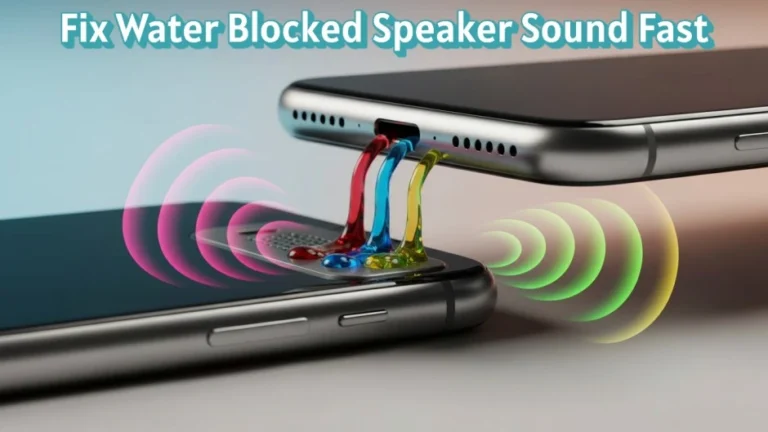
💧 Water or Moisture Inside the Speaker
Moisture interferes with normal speaker vibration.
Examples include rain exposure, accidental splashes, and high humidity.
⚙️ Incorrect Volume or Audio Settings
System settings directly control loudness levels.
Examples include media volume limits, mono audio, and misconfigured equalizer presets.
🔒 Enabled Volume Limit or Sound Restriction Features
Built-in safety features cap maximum output.
Examples include safe volume, hearing protection, and sound limiters.
🔌 Internal Speaker Wear or Hardware Issues
Physical damage reduces speaker efficiency.
Examples include damaged speaker diaphragm and loose internal connections.
🧠 How Low or Stuck Volume Affects Speaker Performance?
Low or stuck speaker volume reduces audio clarity and limits sound reach. Voices, alerts, and media become difficult to hear in normal environments.
Restricted volume indicates unstable speaker vibration or software-controlled output limits. This prevents the speaker from producing full sound pressure.
Over time, continuous low output may hide internal damage or moisture-related issues. Addressing the problem early helps maintain clear, strong, and consistent speaker performance.
🛠️ How Can You Fix a Speaker When the Volume Is Stuck or Too Low?
Fixing low or stuck speaker volume requires addressing physical blockage, moisture, and system controls. Apply the steps below in order to restore clear and loud sound output.
🧼 Clean the Speaker Grille Safely
Dust blocks airflow and reduces sound pressure.
Use a soft brush, dry microfiber cloth, or gentle compressed air to clear debris. Avoid liquids and sharp objects.
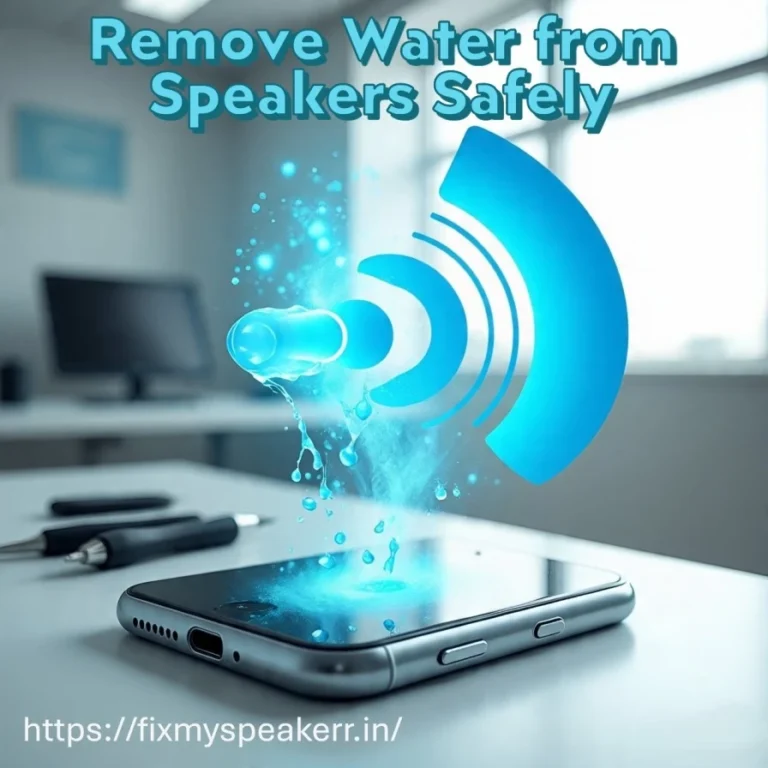
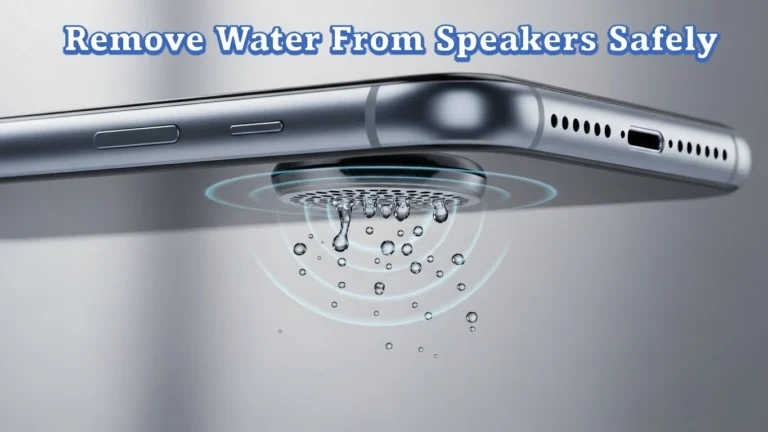
🔊 Remove Moisture and Fine Dust Using Sound Frequencies
Moisture and fine particles restrict speaker vibration. Sound vibrations can push them outward.
The Fix My Speaker tool is available on this page: https://fixmyspeakerr.in/. It plays different controlled audio frequencies that help remove water residue and dust from speakers without opening the device.
⚙️ Check and Correct Volume and Audio Settings
System limits often cap loudness.
Increase media volume, disable volume limiters, turn off mono audio, and reset equalizer settings to default.
💻 Update System Software
Outdated software affects audio processing.
Install the latest operating system updates to improve sound stability and output consistency.
🔉 Test Volume Gradually
Lower the volume, then increase it step by step.
Stable loudness without distortion confirms restored speaker performance.
🧪 How Can You Test If Speaker Volume Is Restored?
Testing confirms whether speaker volume responds correctly after fixes. Always verify performance before normal use.
🔉 Play Audio Test Tones
Use test tones to check loudness response. Clear sound without drop-offs confirms stable speaker output.
🗣️ Check Voice Playback
Play voice recordings to assess call and media clarity. Voices should sound clear at normal volume levels.
🎵 Test With Music at Different Volumes
Play music and adjust volume gradually. Sound should increase evenly without sudden dips.
🔊 Increase Volume Step by Step
Raise volume to maximum slowly. Consistent loudness without distortion confirms volume restoration.
🚫 What Should You Avoid When Speaker Volume Is Stuck or Too Low?
Avoiding incorrect actions prevents speaker damage and helps restore normal volume safely.
🔥 Avoid Using Heat or Hair Dryers
Heat damages internal components and seals. It does not improve volume and increases failure risk.
💧 Avoid Using Liquids for Cleaning
Liquids push moisture deeper into the speaker chamber. This worsens low volume and causes corrosion.
📌 Avoid Inserting Objects Into the Speaker
Pins or sharp tools damage the speaker diaphragm. This leads to permanent volume loss.
🔊 Avoid Forcing Maximum Volume Continuously
High volume stresses restricted components. This reduces speaker lifespan and stability.
⚡ Avoid Charging the Device During Moisture Issues
Charging while moisture remains increases the risk of short circuits and hardware damage.
Avoiding these actions protects speaker efficiency, sound clarity, and long-term performance.
🧠 When Speaker Repair or Replacement Is Required?
Some low or stuck volume issues indicate internal damage that basic fixes cannot resolve. Identifying these conditions early prevents further hardware failure.
🔧 Volume Remains Low After All Fixes
If volume stays weak after cleaning, moisture removal, settings checks, and updates, the problem likely involves internal speaker components.
🔊 Distortion at Normal Volume Levels
Distortion or rattling at low or medium volume points to a damaged speaker diaphragm. Software changes do not correct this issue.
🔌 Intermittent or No Sound Output
Sound cutting in and out suggests loose internal connections or circuit faults. These require professional inspection.
♻️ When Replacement Is the Practical Option?
Replacement is necessary when repair costs exceed device value or when the speaker is physically worn or torn.
✅ Conclusion
Speaker volume that is stuck or too low has clear technical causes and effective solutions. Dust blockage, moisture, and system limits restrict sound output but are often fixable with correct action.
Careful cleaning, sound-frequency moisture removal, proper settings adjustment, and testing restore strong, stable, and clear speaker volume. When volume does not improve, professional repair ensures reliable long-term speaker performance.
❓ Frequently Asked Questions About Low or Stuck Speaker Volume
This section answers common user questions about speaker volume stuck or too low using clear, factual, and direct responses.
1. Why is my speaker volume low even at maximum?
Low volume at maximum usually occurs due to dust blockage, moisture, or enabled volume limit settings.
2. Can dust inside the speaker reduce volume?
Yes, dust buildup blocks airflow and reduces sound pressure, causing weak output.
3. Does water exposure cause low speaker volume?
Yes, moisture restricts speaker vibration and lowers volume until fully removed.
4. Can sound-frequency tools help increase speaker volume?
Yes, sound-frequency tools can remove moisture and fine dust that limit speaker movement.
5. How do I know if my speaker is damaged?
Persistent low volume after cleaning and testing indicates internal speaker damage requiring repair.