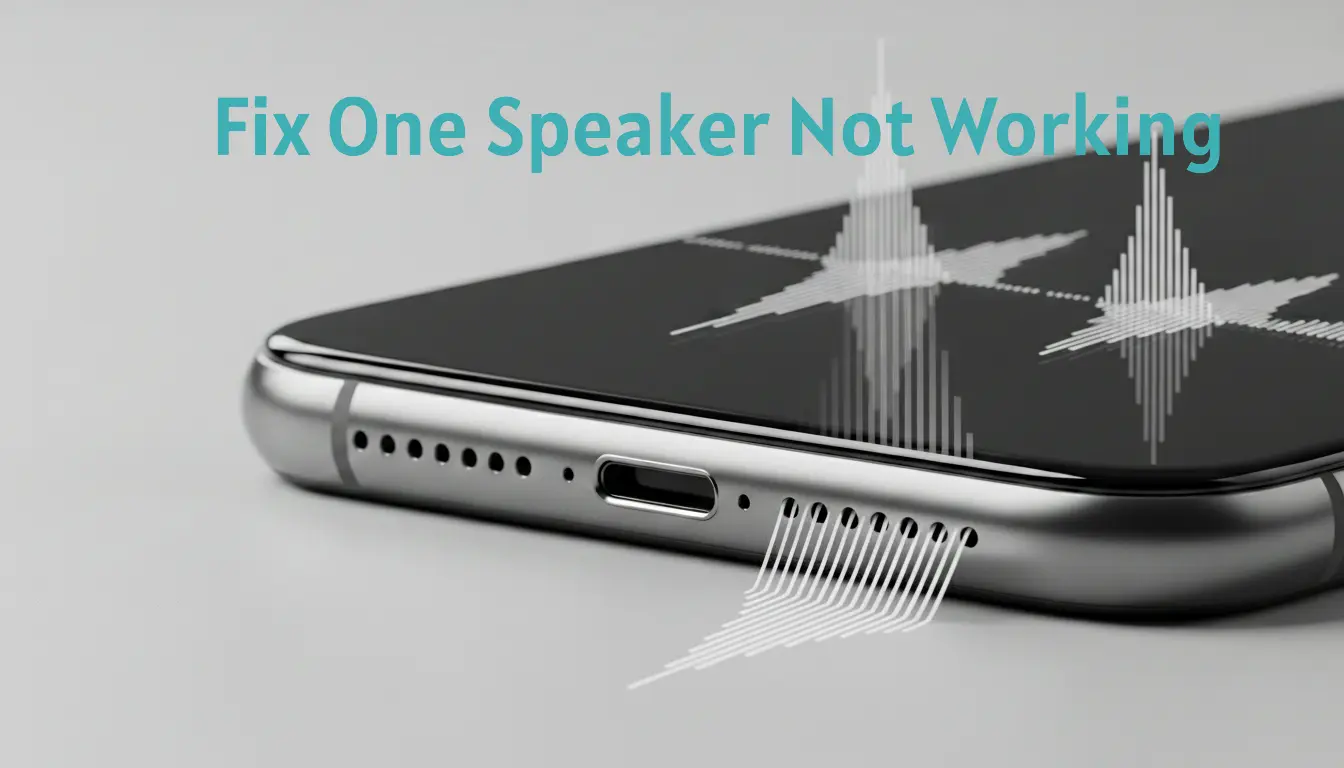
Fix a speaker when only one side is working by first checking audio balance settings, cleaning the speaker grills, and restarting the device.
🔊 Why Is Only One Speaker Working on My Phone or Device?
Only one speaker works when the audio signal fails to reach one sound channel or when a speaker unit cannot produce sound. This usually happens due to audio balance settings, blocked speaker grills, moisture, or hardware faults.
Most devices use stereo audio, which sends sound separately to left and right speakers. If one side is muted, damaged, or obstructed, you hear sound from only one speaker.
The exact cause depends on device type, recent updates, physical exposure, and internal component condition. Identifying whether the issue is software or hardware is the first step toward fixing it.
⚙️ How Does Stereo Sound Work and Why Does One Speaker Go Silent?
Stereo sound works by sending separate audio signals to the left and right speakers. Each channel carries different sound details to create balanced and clear audio.
If one speaker goes silent, the stereo signal is interrupted on that side. This can happen when a channel is muted, blocked, or unable to convert electrical signals into sound.
Common causes include audio balance misalignment, damaged speaker drivers, or connection faults. When one channel fails, the device plays sound through only the functioning speaker.
🎚️ Can Audio Balance Settings Cause One Speaker Not Working?
Yes, audio balance settings can cause one speaker not working if the sound is shifted fully to one side. Most devices include a balance slider that controls left and right channel output.
When the slider moves toward one side, the opposite speaker becomes quiet or silent. This setting may change accidentally through accessibility options or sound adjustments.
Check balance controls in sound settings or accessibility audio settings. Restoring the slider to the center usually returns sound to both speakers.
🔍 What Are the Most Common Causes of One Speaker Not Working?
One speaker usually stops working due to physical blockage, moisture, or internal component failure. These issues prevent sound from passing through or being produced.
Common causes include dirt buildup, water residue, damaged speaker drivers, and loose internal connections. Each can block vibration or interrupt the audio signal.
Software faults can also mute one channel. Identifying whether the issue is external blockage or internal damage helps determine the correct fix.
🧪 How to Test If One Speaker Is Broken or Muted?
You can test if one speaker is broken or muted by playing stereo test audio that separates left and right sound channels. This confirms whether both speakers produce sound.
First, play a left–right speaker test sound and listen closely to each side. If only one side plays, the other speaker or channel has a problem.
Next, check sound settings, restart the device, and test with headphones. If headphones work but one speaker stays silent, the issue is likely hardware related.
📱 Can Software Bugs or Updates Disable One Speaker Channel?
Yes, software bugs or system updates can disable one speaker channel if audio settings or drivers malfunction. These issues can mute one side even when the speaker hardware is working.
System updates sometimes reset audio balance, accessibility sound options, or audio drivers. When this happens, one channel may become silent or quieter.
Restarting the device or updating audio software often restores normal sound. If the problem continues after software checks, the cause is likely hardware related.
🧼 Can Dust or Debris Cause One Speaker to Stop Working?
Yes, dust or debris can cause one speaker to stop working if particles block the speaker grill. A blocked grill prevents sound waves from exiting clearly.
Small particles such as lint, dirt, or pocket debris can collect inside one speaker opening. This buildup reduces vibration and lowers sound volume on that side.
Cleaning the outer grill carefully can restore sound if the blockage is external. If audio does not improve, internal damage or moisture may be affecting the speaker.
💧 Can Moisture Cause One Speaker to Stop Working?
Yes, moisture can cause one speaker to stop working when liquid enters one speaker opening and disrupts sound vibration. Even small amounts of moisture can block airflow inside the speaker chamber.
Water can affect only one side if it enters through a single grill. This leads to low volume, muffled sound, or no audio from that speaker.
Drying the device properly often restores sound if damage is temporary. If the issue remains after drying, internal corrosion or component damage may be present.
🎧 Why Do Headphones Work but One Device Speaker Doesn’t?
Headphones can work while one device speaker does not because they use a separate audio output path. This means the internal speaker hardware can fail while audio processing still functions.
If sound plays normally through wired or wireless headphones, the device’s audio system is working. The problem is likely limited to the silent speaker or its connection.
Common causes include damaged speaker drivers, loose internal contacts, or blocked speaker grills. In this case, fixing the speaker hardware is required to restore balanced sound.
🛠️ What Quick Fixes Restore Sound When Only One Speaker Works?
You can restore sound when only one speaker works by checking settings and clearing simple blockages. Quick fixes often solve the issue if no internal damage exists.
Effective quick fixes include restarting the device, centering audio balance, cleaning speaker grills, and updating software. Sound-based cleaning tools such as https://fixmyspeakerr.in/ can also help remove trapped debris or moisture affecting one speaker.
Test sound after each step to confirm improvement. If one speaker remains silent, the issue may be hardware related.
🚫 What Should You Avoid When One Speaker Stops Working?
Avoid actions that can push debris deeper or damage speaker components. Unsafe handling often worsens single-speaker problems.
Common mistakes include using sharp tools, applying heat, blowing forcefully into the grill, and testing at maximum volume. These actions can tear the speaker mesh, warp internal parts, or spread moisture.
Safe troubleshooting protects the speaker. If sound does not improve after proper checks, professional inspection is the safer option.
🔧 When Does One Speaker Issue Require Repair or Replacement?
Repair or replacement is required when one speaker stays silent after basic troubleshooting and cleaning. Persistent failure usually indicates internal hardware damage.
Clear signs include no sound from one side, distortion that does not improve, rattling noise, or sound cutting out. These symptoms suggest a damaged speaker driver or loose internal connection.
Professional repair is needed when internal components fail. Replacing the speaker module restores balanced audio when hardware damage is confirmed.
📊 Does Device Type Affect Single Speaker Problems?
Yes, device type affects single speaker problems because each device uses different speaker designs and audio circuits. The cause can vary based on hardware layout.
Smartphones, laptops, tablets, and Bluetooth speakers use different speaker placements and channel systems. For example, phones may use a bottom speaker and an earpiece speaker, while laptops use dual side speakers.
Because of these design differences, one silent speaker may indicate blockage in a phone but a driver failure in a laptop. Correct diagnosis depends on device structure.
🔐 Can One Broken Speaker Affect Overall Audio Quality?
Yes, one broken speaker can affect overall audio quality because stereo sound depends on both channels working together. When one side fails, audio becomes unbalanced and incomplete.
You may notice uneven volume, missing sound details, or directional audio loss. This happens because the working speaker carries only part of the original sound signal.
Balanced output returns only when both speakers function properly. Fixing the silent speaker restores full stereo clarity.
🧠 How Can You Prevent One Speaker From Failing Again?
You can prevent one speaker from failing again by protecting speaker openings and maintaining clean audio components. Prevention reduces blockage and internal damage risk.
Effective preventive steps include keeping devices away from moisture, cleaning speaker grills gently, and avoiding high-volume stress. These actions protect speaker drivers and sound channels.
Regular care helps both speakers work evenly. Consistent maintenance lowers the chance of single speaker failure.
❓ Frequently Asked Questions
❓ Why is only one speaker working during calls but both work for music?
This usually happens because phones use different speakers for calls and media. The earpiece handles calls, while bottom speakers play music. If one fails, only certain audio types are affected.
❓ Can one speaker stop working suddenly without damage?
Yes, sudden single-speaker failure can occur due to software glitches or sound setting changes. Restarting the device often restores normal audio if no hardware fault exists.
❓ Does mono audio setting affect only one speaker?
Yes, mono audio can make sound appear to come from one side if balance settings are uneven. Adjusting audio balance restores equal output.
❓ Why is one speaker louder than the other?
Uneven loudness usually indicates partial blockage, moisture, or early speaker wear. Cleaning the grill or drying the device may improve balance.
❓ Can Bluetooth affect one speaker working?
Yes, Bluetooth audio settings or connection glitches can route sound unevenly. Reconnecting the device often resolves channel imbalance.
❓ Is it safe to keep using a device with one speaker not working?
Yes, it is generally safe, but continued use may worsen internal damage if moisture or hardware faults are present. Early inspection is recommended.