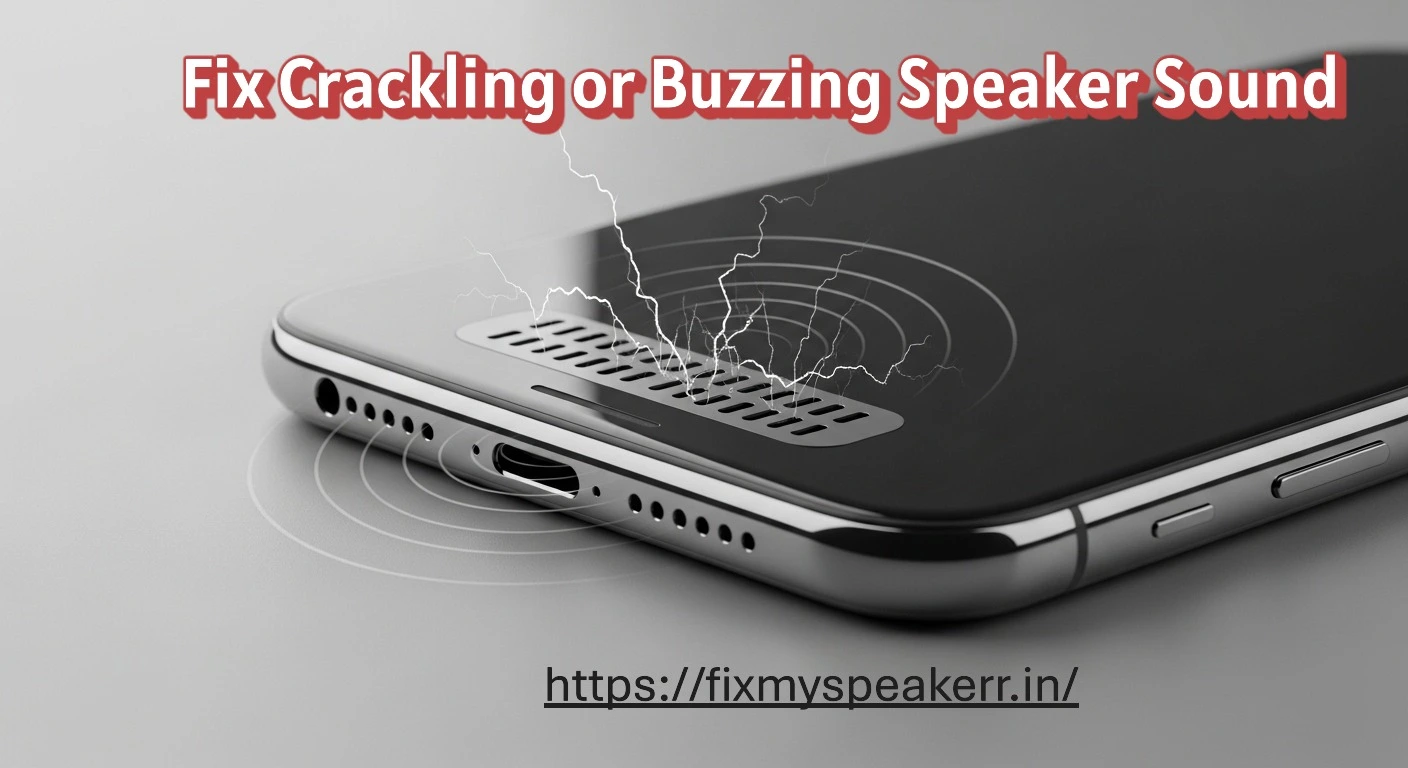
Crackling or buzzing from a phone speaker signals unstable vibration or internal interference. The issue usually starts due to dust buildup, moisture exposure, or incorrect audio settings. Early corrective action restores clear sound output and prevents permanent speaker damage.
🔍 What Does Crackling or Buzzing Sound From a Phone Speaker Mean?
A crackling or buzzing phone speaker produces unwanted noise during audio playback. The sound appears as static, rattling, or continuous buzzing that interrupts normal output.
This issue occurs when speaker vibration becomes unstable. Common triggers include dust blockage, moisture presence, signal interference, or component stress.
Crackling often increases at higher volume levels. Buzzing may remain constant across different sounds. Both conditions reduce audio clarity, volume consistency, and listening quality.
⚠️ Common Causes of Crackling or Buzzing Phone Speakers
Crackling or buzzing sounds occur when normal speaker vibration is disrupted. The causes are physical, environmental, or software-related.
🧹 Dust or Debris Inside the Speaker Grille
Dust particles restrict airflow and create uneven vibration.
Examples include lint, pocket dust, and fine debris trapped in the grille.
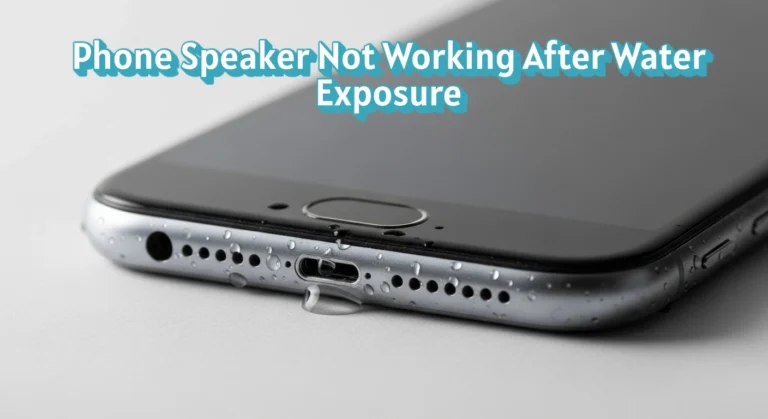
💧 Water or Moisture Exposure
Moisture interferes with sound pressure and diaphragm movement.
Examples include rain exposure, accidental splashes, and high humidity.
⚙️ Incorrect Audio or Software Settings
Improper settings distort audio output and create noise.
Examples include audio enhancements, uneven equalizer levels, and volume boost features.
🔌 Internal Hardware Wear or Damage
Aging or damaged components produce unstable sound.
Examples include a damaged speaker diaphragm and loose internal connections.
🧠 How Crackling or Buzzing Affects Phone Speaker Performance?
Crackling or buzzing sounds are clear warning signs of speaker instability. These noises indicate disrupted vibration, reduced airflow, or internal stress. Ignoring them lowers sound quality and increases the risk of permanent speaker damage.
🔊 Loss of Audio Clarity
Crackling and buzzing interrupt normal sound waves. This reduces speech clarity and masks music details.
🔉 Inconsistent Volume Levels
Buzzing often increases as volume rises. This causes uneven loudness and unstable output.
📉 Distorted Sound Output
Irregular vibration alters audio signals. This results in distortion during calls, videos, and media playback.
⚠️ Higher Risk of Permanent Damage
Ongoing noise indicates internal stress. Prolonged use can lead to speaker component failure.
🛠️ What Should You Do If Your Phone Speaker Is Crackling or Buzzing?
Take action as soon as crackling or buzzing appears. Early fixes restore stable vibration, improve sound clarity, and prevent long-term damage.
🧼 Clean the Speaker Grille Carefully
Dust blocks airflow and creates uneven vibration.
Use a soft brush, dry microfiber cloth, or gentle compressed air. Avoid liquids and sharp tools.
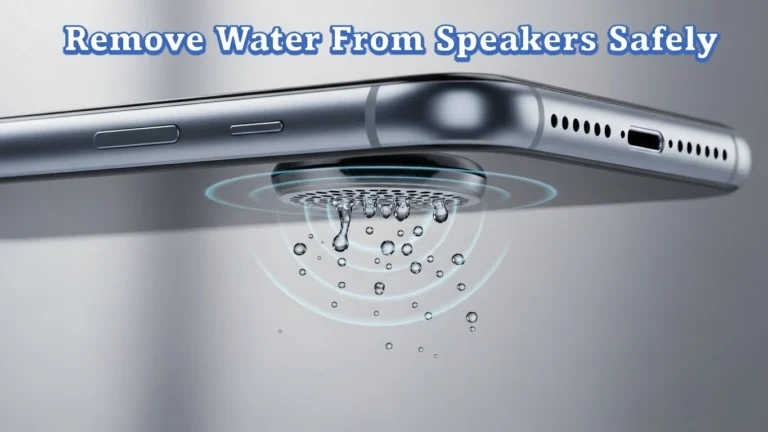
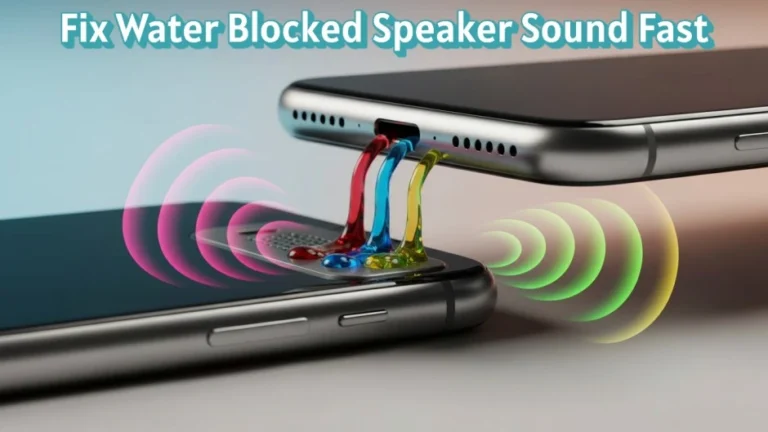
🔊 Remove Moisture and Fine Dust Using Sound Frequencies
Moisture and fine debris cause unstable sound pressure. Sound vibrations can push them outward.
The Fix My Speaker tool is available on this page: https://fixmyspeakerr.in/. It plays different controlled audio frequencies that help remove water residue and dust from speakers without opening the device.
⚙️ Adjust Audio and Sound Settings
Misconfigured settings distort output.
Disable audio enhancements, reset equalizer presets, and turn off volume boosters to stabilize sound.
💻 Update Phone Software
Outdated software affects audio processing.
Install the latest system updates to improve sound stability and reduce distortion.
🔉 Lower Volume and Test Gradually
High volume stresses unstable components.
Reduce volume, then increase slowly to confirm clear, buzz-free output.
🧪 How Can You Test If the Crackling or Buzzing Is Fixed?
Testing confirms whether speaker vibration is stable and unwanted noise is removed. Always test before returning to normal use.
🔉 Play Audio Test Tones
Use test tones to check frequency balance. Clear sound without rattling confirms stable speaker movement.
🗣️ Check Voice Playback
Play voice recordings to test speech clarity. Voices should sound clean and sharp at normal volume levels.
🎵 Test With Music Playback
Play music with bass and treble. Balanced output without buzzing confirms restored audio clarity.
🔊 Increase Volume Gradually
Raise volume step by step. Stable loudness without distortion confirms the issue is resolved.
🚫 What Should You Avoid When a Phone Speaker Is Crackling or Buzzing?
Avoiding harmful actions is critical when dealing with crackling or buzzing speaker issues. Incorrect steps increase damage risk and reduce repair success.
🔥 Avoid Playing Audio at High Volume
High volume stresses unstable components. This worsens distortion and accelerates speaker wear.
📌 Avoid Inserting Objects Into the Speaker
Pins, needles, or sharp tools damage the speaker diaphragm. This causes permanent sound distortion.
💧 Avoid Using Liquids for Cleaning
Liquids push moisture deeper into the speaker chamber. This increases corrosion risk and noise issues.
⚡ Avoid Charging the Phone During Moisture Issues
Charging while moisture is present raises the risk of short circuits and internal damage.
🔁 Avoid Ignoring Persistent Noise
Continuous crackling indicates unresolved internal stress. Delayed action can lead to permanent speaker failure.
🧠 When Speaker Repair or Replacement Is Required?
Some crackling or buzzing issues indicate internal damage that basic fixes cannot resolve. Identifying these signs early prevents further hardware failure.
🔧 Persistent Noise After All Fixes
If crackling continues after cleaning, moisture removal, and settings adjustment, the issue likely involves internal component damage.
🔊 Distortion at Low or Normal Volume
Noise at low volume levels points to a damaged speaker diaphragm. This condition does not improve with software changes.
🔌 Intermittent or No Sound Output
Sound cutting in and out indicates loose internal connections or circuit issues. These faults require professional inspection.
♻️ When Replacement Becomes Necessary
Replacement is required when repair costs exceed device value or when the speaker is physically worn or torn.
For device-specific hardware checks and official repair guidance, refer to the manufacturer’s support documentation, such as Apple’s official speaker troubleshooting and repair guidelines:
https://support.apple.com/en-us/HT203794
✅ Conclusion
Crackling or buzzing from a phone speaker signals clear, fixable issues such as dust buildup, moisture, or unstable settings. Early action restores clean sound, protects internal components, and prevents long-term damage.
Careful cleaning, moisture removal using sound frequencies, proper settings adjustment, and testing resolve most cases. When noise persists, professional repair ensures stable, reliable, and clear speaker performance.
❓ Frequently Asked Questions About Crackling or Buzzing Phone Speakers
This section addresses common concerns related to speaker crackling, buzzing noise, and audio distortion. Each answer is short, factual, and focused on clarity.
1. Why does my phone speaker crackle at high volume?
High volume increases vibration stress, which exposes dust blockage, moisture, or speaker damage.
2. Can dust cause a buzzing sound in phone speakers?
Yes, dust particles restrict airflow and create uneven vibration that leads to buzzing noise.
3. Does water exposure cause crackling speaker sound?
Yes, moisture disrupts diaphragm movement and sound pressure, causing crackling or distortion.
4. Can sound-frequency tools help fix buzzing speakers?
Yes, sound frequencies can help remove moisture and fine debris that contribute to unstable sound.
5. How do I know if my phone speaker is damaged?
Persistent crackling after cleaning and testing usually indicates internal speaker damage.