
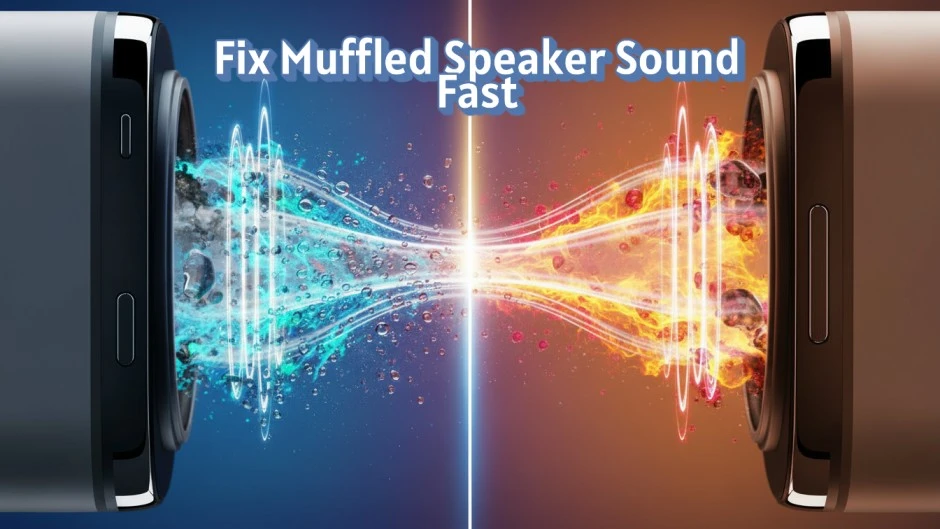
🔍 What Does a Muffled or Low Speaker Sound Mean? 🔊
A muffled speaker sound means audio output lacks clarity and sharpness. Sound feels blocked, dull, or covered. This issue reduces voice and media quality across devices.

A low speaker volume means sound stays weak even when the volume level is set to maximum. The speaker produces output, but loudness remains insufficient.
These problems commonly affect smartphone speakers, laptop speakers, and Bluetooth speakers. The issue usually starts due to dust buildup, water exposure, or incorrect audio settings.
A muffled or low speaker sound indicates restricted sound wave movement. This condition directly lowers audio clarity, sound pressure, and listening quality.
⚠️ Main Reasons a Speaker Sounds Muffled or Low ⚠️


A muffled or low speaker sound occurs when sound output faces physical or software-related restrictions. These causes are common across mobile phones, laptops, and external speakers.
🧹 Dust and Debris Blocking the Speaker Grille
Dust buildup blocks sound waves and reduces volume. Fine particles collect inside the speaker grille and limit air movement.
Examples include lint, sand, and pocket debris.
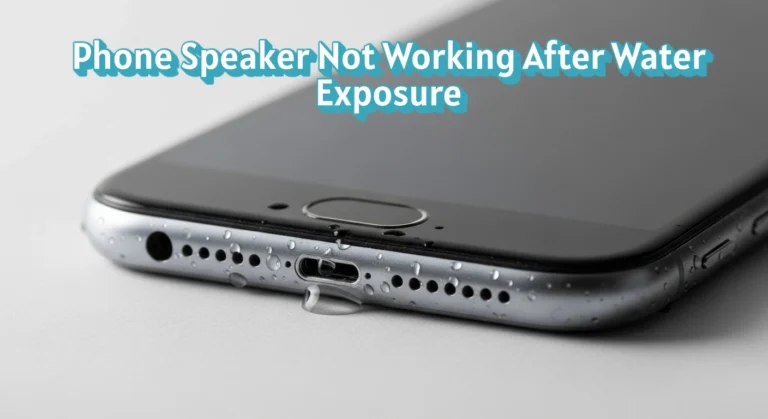
💧 Water or Moisture Inside the Speaker
Water exposure affects speaker vibration and sound pressure. Moisture stays trapped inside the speaker chamber and lowers clarity.
Examples include rainwater, accidental spills, and high humidity.
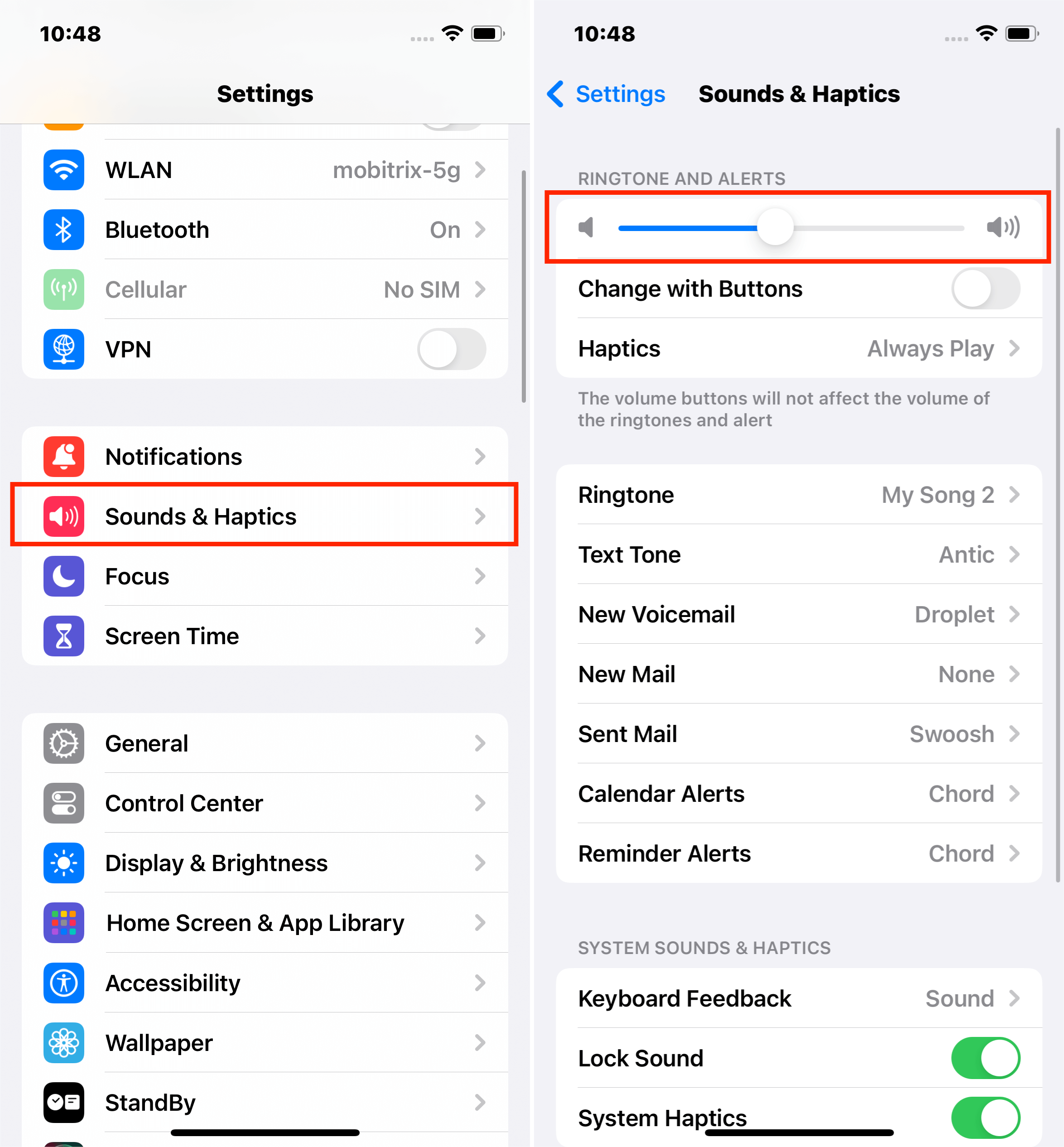
⚙️ Incorrect Audio and Sound Settings
System settings directly control sound output. Misconfigured options reduce volume without hardware damage.
Examples include low media volume, enabled mono audio, and improper equalizer settings.
🔌 Internal Speaker Hardware Damage
Hardware faults cause permanent sound loss. Physical damage limits speaker movement and sound output.
Examples include damaged speaker diaphragm, loose internal connectors, and aging speaker components.
Each cause reduces sound quality through a specific mechanism. Identifying the exact reason helps apply the correct fix without risk.
🛠️ How to Fix a Speaker That Sounds Muffled or Low?
A muffled speaker sound or low speaker volume can often be fixed without replacing the speaker. Apply the correct solution based on the cause to restore clear and loud audio output.
🧼 Clean the Speaker Grille Safely
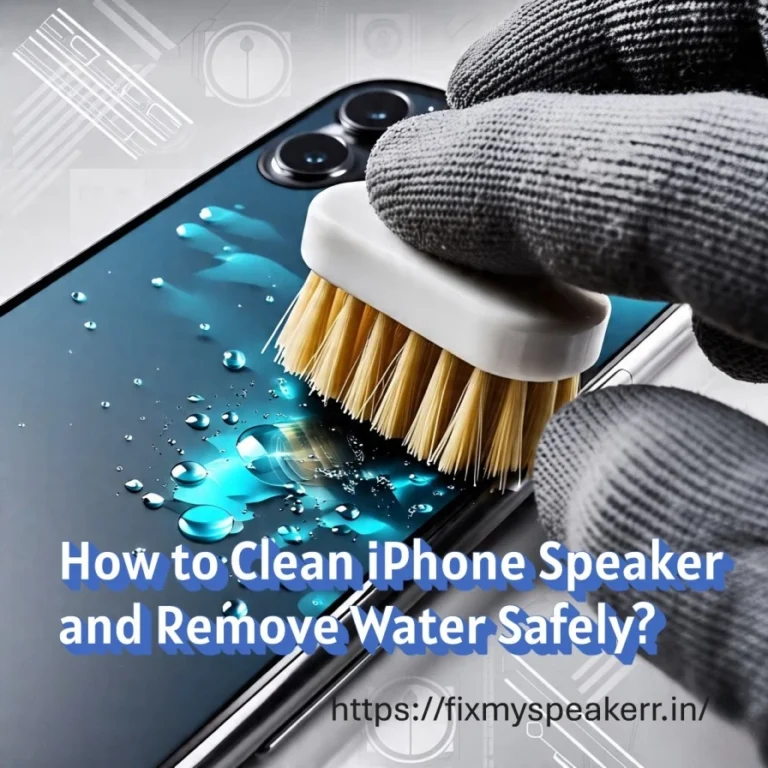
Dust and debris block sound waves and reduce volume. Cleaning the speaker grille improves airflow and sound clarity.
Use a soft brush, dry microfiber cloth, or compressed air. Avoid liquids, metal pins, or sharp tools, as they damage internal components.
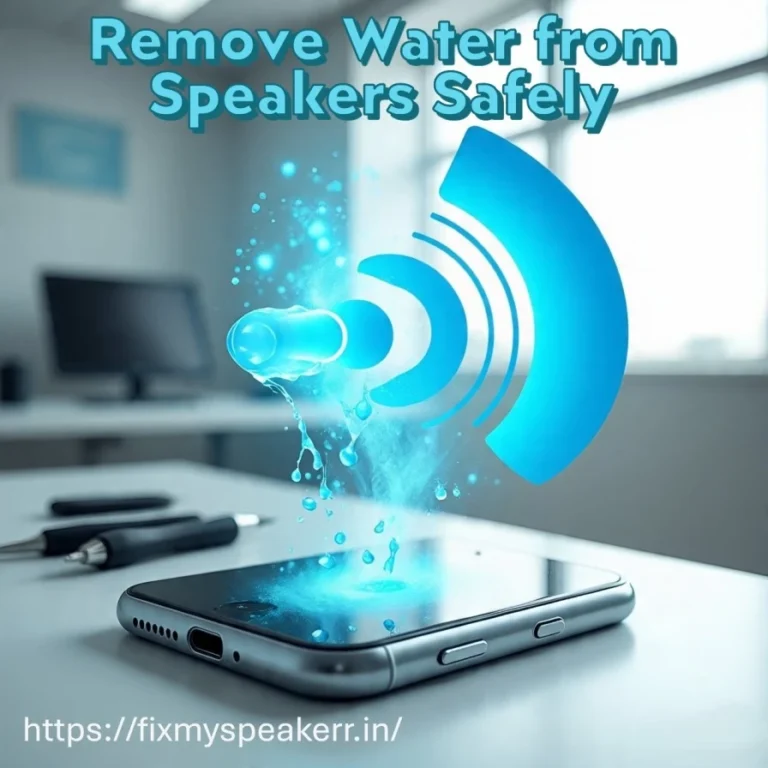
🔊 Remove Water and Dust Using Sound Frequencies
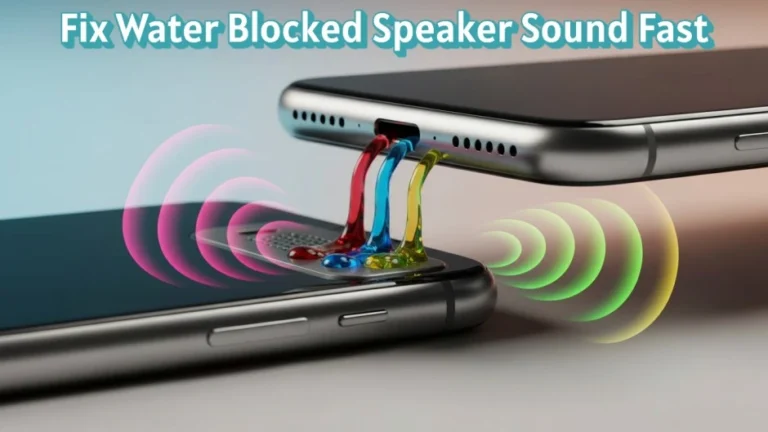
Water residue and fine dust particles inside the speaker chamber reduce vibration and clarity. Sound waves help push these particles outward.
The Fix My Speaker tool is available on this page: https://fixmyspeakerr.in/. This tool plays different controlled audio frequencies that help remove trapped water and dust from speakers without opening the device. Frequency variation improves effectiveness by targeting moisture stuck at different levels inside the speaker.
⚙️ Check and Correct Audio Settings
Incorrect sound settings lower speaker output even when hardware works properly.
Set media volume to maximum, disable volume limiters, turn off mono audio, and reset equalizer settings to default for balanced sound output.
💻 Update Software or Audio Drivers
Outdated software reduces audio processing efficiency and sound stability.
Install the latest operating system updates and audio drivers to ensure proper speaker performance and consistent volume levels.
These steps resolve most cases of speaker sounding muffled or speaker volume too low. If sound quality does not improve, hardware inspection becomes necessary.
🧪 How Can You Test Speaker Sound After Fixing It?
Testing verifies whether the muffled speaker sound or low speaker volume issue is resolved. Always confirm performance before regular use.
🔊 Test Using Audio Test Tones
Play audio test tones to evaluate frequency balance and volume stability. Clear sound without crackling confirms proper speaker vibration.
🗣️ Check Clarity With Voice Recordings
Use voice recordings to assess speech clarity. Voices should sound sharp and easy to understand at normal volume levels.
🎵 Verify Balance With Music Playback
Play music tracks with bass and treble to confirm balanced output. Consistent sound indicates restored speaker clarity.
🔉 Increase Volume Gradually
Raise the volume step by step to maximum. Stable loudness without distortion confirms successful speaker fixing.
🚫 Common Mistakes That Make Speaker Sound Worse
Avoiding incorrect actions protects speaker clarity and prevents permanent damage.
💧 Using Liquids or Cleaning Sprays
Liquids push moisture deeper into the speaker chamber. This causes corrosion and reduces sound output.
📌 Inserting Sharp Objects Into the Speaker Grille
Pins, needles, and metal tools damage the speaker diaphragm. This results in permanent distortion and low volume.
🌬️ Applying Excessive Air Pressure
High-pressure air forces dust further inside the speaker. This blocks sound movement instead of clearing it.
🔊 Keeping Volume at Maximum for Long Periods
Continuous high volume stresses internal components. This leads to speaker wear and reduced lifespan.
Following correct methods ensures safe speaker sound restoration and stable audio performance.
🧠 When Speaker Repair or Replacement Is Required?
Some speaker sound problems indicate internal damage that basic fixes cannot resolve. Identify these conditions early to avoid further device issues.
🔧 Persistent Muffled Sound After All Fixes
Sound that remains unclear after cleaning, frequency-based water removal, and settings optimization points to internal failure. This condition often involves damaged components.
🔥 Distortion or Crackling at Low Volume
Distortion at normal volume levels signals a damaged speaker diaphragm. This damage prevents proper vibration and reduces sound quality.
🔌 No Sound Output From the Speaker
Complete sound loss indicates internal circuit failure or a disconnected speaker unit. Software fixes do not resolve this issue.
♻️ When Replacement Is the Only Option
Replacement becomes necessary when repair costs exceed device value. Blown speakers and physically torn diaphragms require full unit replacement.
Professional repair or replacement restores speaker performance when software and cleaning solutions no longer work.
✅ Conclusion
A muffled or low speaker sound has clear causes and proven fixes. Dust, water residue, and incorrect settings reduce sound output but do not always require repair. Targeted cleaning, correct configuration, and sound-frequency removal methods restore clarity efficiently.
Testing confirms results, while avoiding common mistakes prevents damage. When issues persist, professional repair or replacement is the correct action. Apply the right step at the right time to regain clean, stable, and powerful audio performance.
❓ Frequently Asked Questions About Muffled or Low Speaker Sound
This section answers common user questions related to speaker sound clarity, low volume issues, and audio output problems. Each question is explained briefly to provide clear and accurate guidance.
1. Why does my speaker sound muffled even at full volume?
A speaker sounds muffled at full volume due to dust blockage, water residue, or restricted speaker vibration.
2. Can dust inside the speaker cause low volume?
Yes, dust buildup blocks sound waves and reduces speaker loudness and clarity.
3. Does water in the speaker always cause permanent damage?
No, water residue does not always cause damage if removed early using proper drying or sound vibration methods.
4. How do sound frequency tools remove water from speakers?
Sound frequency tools use audio vibrations to push trapped water outward from the speaker chamber.
5. How can I tell if my speaker is blown or damaged?
A blown speaker produces distortion, crackling, or no sound even at low volume levels.
Lottuse… never heard of it before. Is it like a lottery thing? Guess I’ll check it out. Maybe my lucky numbers are waiting for me there, heh! See what they’re about: lottuse